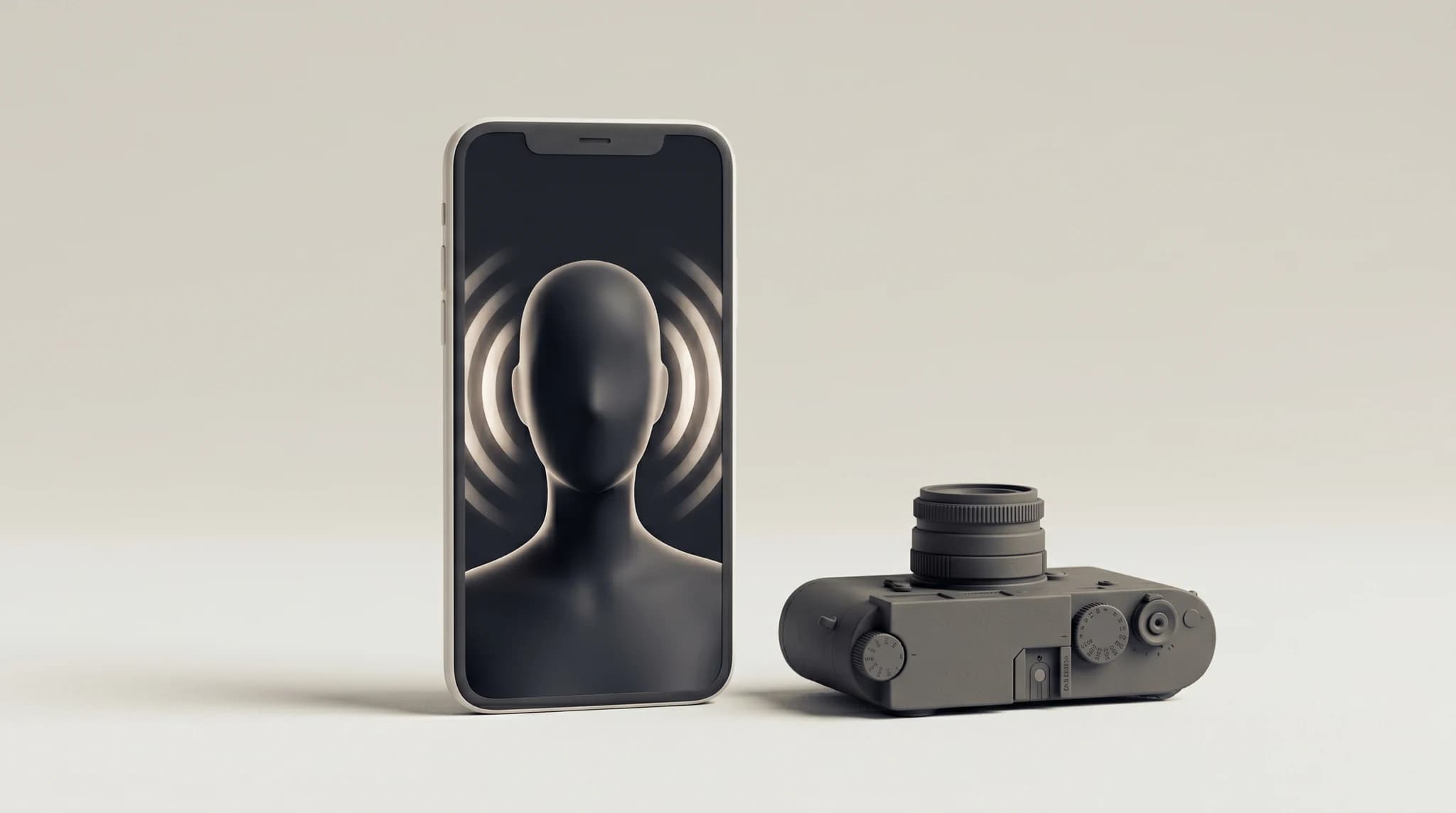
Why Faceless UGC Ads Work
UGC (user-generated content) ads feel native to feeds like TikTok and Meta because they look authentic rather than polished. The good news for camera-shy marketers: the "face" is rarely what drives performance. A clear hook, a relatable voice, a strong product demo, and on-screen captions do most of the heavy lifting.
The data backs this up. According to a 2019 Verizon Media and Publicis Media study, 69% of consumers watch video with the sound off in public places, and 80% are more likely to finish a video when captions are available — which is why on-screen text matters more than a visible face. Mobile-first vertical video also dominates: Facebook reported in 2020 that 94% of its advertisers were using vertical formats, and TikTok's own 2021 research found 9:16 full-screen creative drove 25% higher 6-second view-through rates than non-vertical ads.
Going faceless also removes the biggest bottlenecks in UGC production. You skip casting, filming, lighting, retakes, and creator availability. According to Gartner's 2023 marketing forecast, teams adopting generative AI for content expect to cut production time by up to 50%, which means you can test more hooks and angles per week — the lever that actually moves the needle on paid social.
The Three Main Methods
There is no single "right" way to make faceless UGC. Pick the method that fits your product and how much time you have.
- AI talking actors (avatars): An AI presenter speaks your script with realistic lip-sync. Best for testimonial-style hooks, explainers, and talking-head ads. Fastest to produce and easiest to iterate at scale.
- Voiceover plus b-roll: Pair an AI or recorded voiceover with product clips, screen captures, or stock-style footage. Great for product demos and "problem-solution" narratives where the visuals carry the story.
- Screen and hands: Record your screen, your hands using the product, or close-up unboxing shots, then layer voiceover and captions on top. Ideal for apps, software, and tactile physical products.
A Simple Step-by-Step Workflow
Whichever method you choose, the structure is the same. A repeatable process is what lets you ship creatives consistently instead of starting from scratch every time.
- Write a tight script: Lead with a scroll-stopping hook in the first 3 seconds, name the problem, show the product as the fix, and end with a clear call to action.
- Choose your visuals: An AI avatar, your product footage and b-roll, or a screen and hands recording.
- Generate or record the voice: Use an AI voiceover or record your own audio, keeping the tone conversational.
- Add subtitles: Roughly 69% of consumers watch video on mute in public (Verizon Media and Publicis Media, 2019), so on-screen captions are essential for retention.
- Export for the platform: Render in 9:16 for TikTok and Reels, 1:1 for feed, or 16:9 where it fits.
- Test and iterate: Launch several hook variations, keep the winners, and refresh creatives often.
Pros and Cons to Weigh
Faceless UGC is fast and scalable, but it is not magic. AI talking actors let you produce a finished ad in minutes and swap scripts instantly — Gartner's 2023 forecast projects up to a 50% reduction in content production time for teams using generative AI — though a synthetic presenter can feel less personal than a real creator for some emotional or lifestyle products.
Voiceover plus b-roll keeps things authentic and product-focused, but you still need decent footage to work with. Screen and hands recordings are convincing and cheap, yet they suit some product types far better than others. The smart move is to test a couple of methods and let your ad metrics decide. If you want the full picture, our breakdown of the complete AI UGC ad workflow walks through scripting, generation, and editing end to end.
How Gencara Helps
Gencara is built to make faceless UGC ads without filming, actors, or a camera. You can create AI talking actors that speak your script with realistic lip-sync, generate video from text or from an image, add AI voiceover, and turn on automatic subtitles, all in one place.
When your visuals are ready, export in 9:16, 1:1, or 16:9 to match TikTok, Meta, and wherever else you run paid social. Because everything is generated rather than filmed, you can produce and test multiple variations quickly. If budget is your main question, it is worth comparing the cost of AI UGC versus hiring a creator before you commit to a workflow.